
Text extraction from images

Upload a photo or scan — AI reads the full text so you can review it on the page. Images only (JPEG, PNG, WebP). No account required.

Why extract text from images and PDFs?

You can retype text from a photo or scan by hand — but page after page, that eats hours of your team's time. Veontra is a straightforward tool to pull full text from images and PDF pages in about a minute. Upload, review the result, and move on. You save time for work that actually matters.
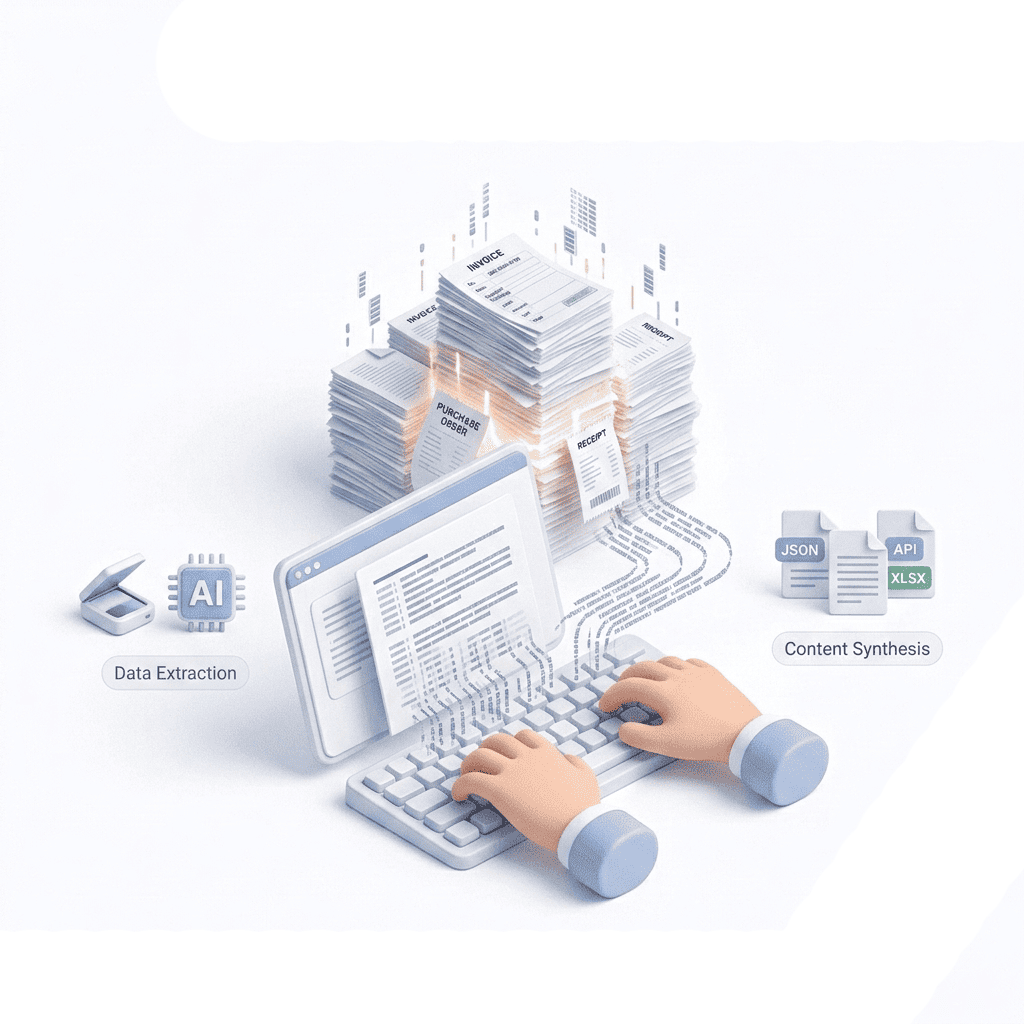
Saving time by extracting text from photos and scans instead of manual typing

How text extraction works in Veontra

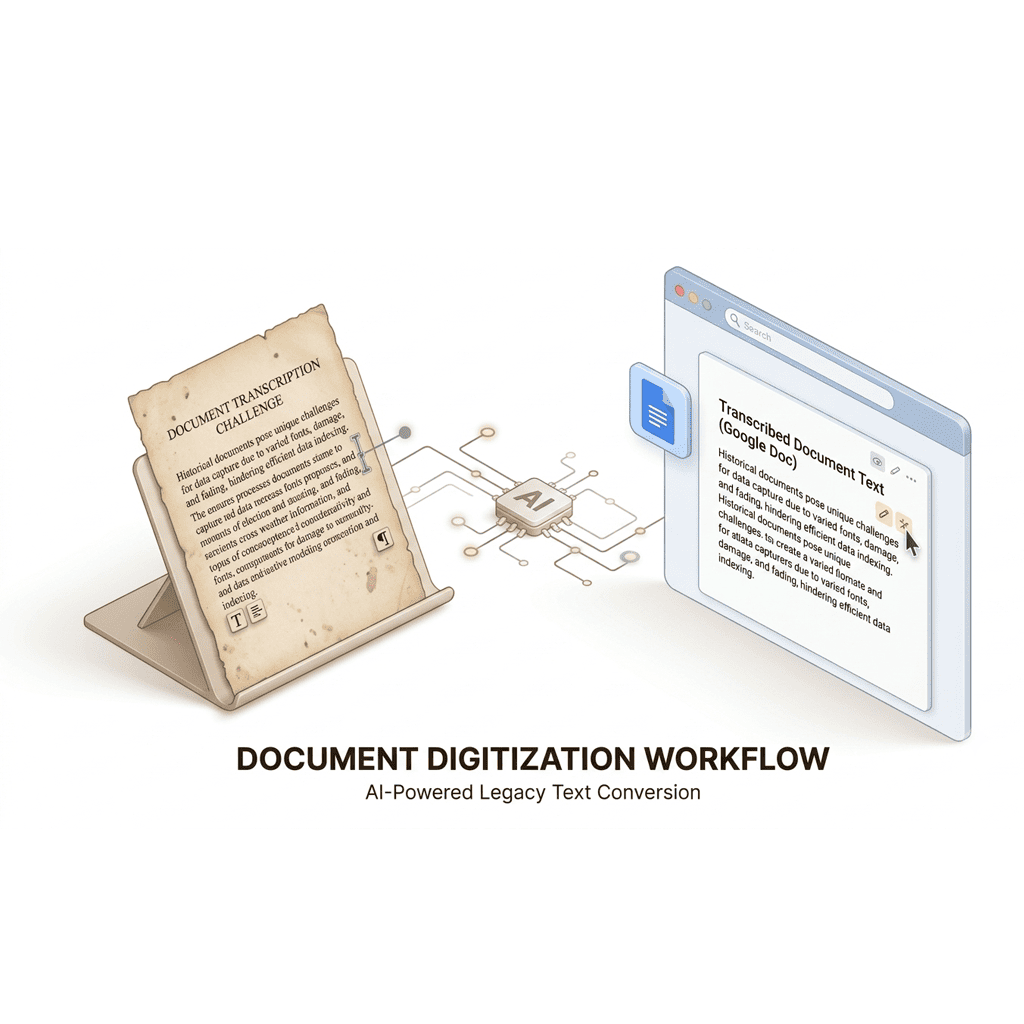
Upload an image or a PDF page. AI reads the file and builds a clean text document — usually within a minute. Open the result in Veontra, edit or fine-tune anything that needs a fix, then export to TXT, DOCX, or Google Docs in the format that fits your workflow.

Veontra text extraction workflow from upload to editable export

Try Veontra text extraction

Upload a photo or scan to see how full-text extraction from images works.

[One image · JPEG, PNG, or WebP · Max 15 MB]

Extract text from an image

Helps the AI read labels and keep extracted text in the original language. Auto works for most documents.

Tell the AI what to include or skip — for example, ignore stamps, headers, or signatures.

0/200

Drag an image here or click to browse

One AI workspace for your team

Extract documents, transcribe audio, and generate images from the same dashboard — with human review before anything is exported.

Save your time with AI

Start your 14-day trial with up to 100 credits.